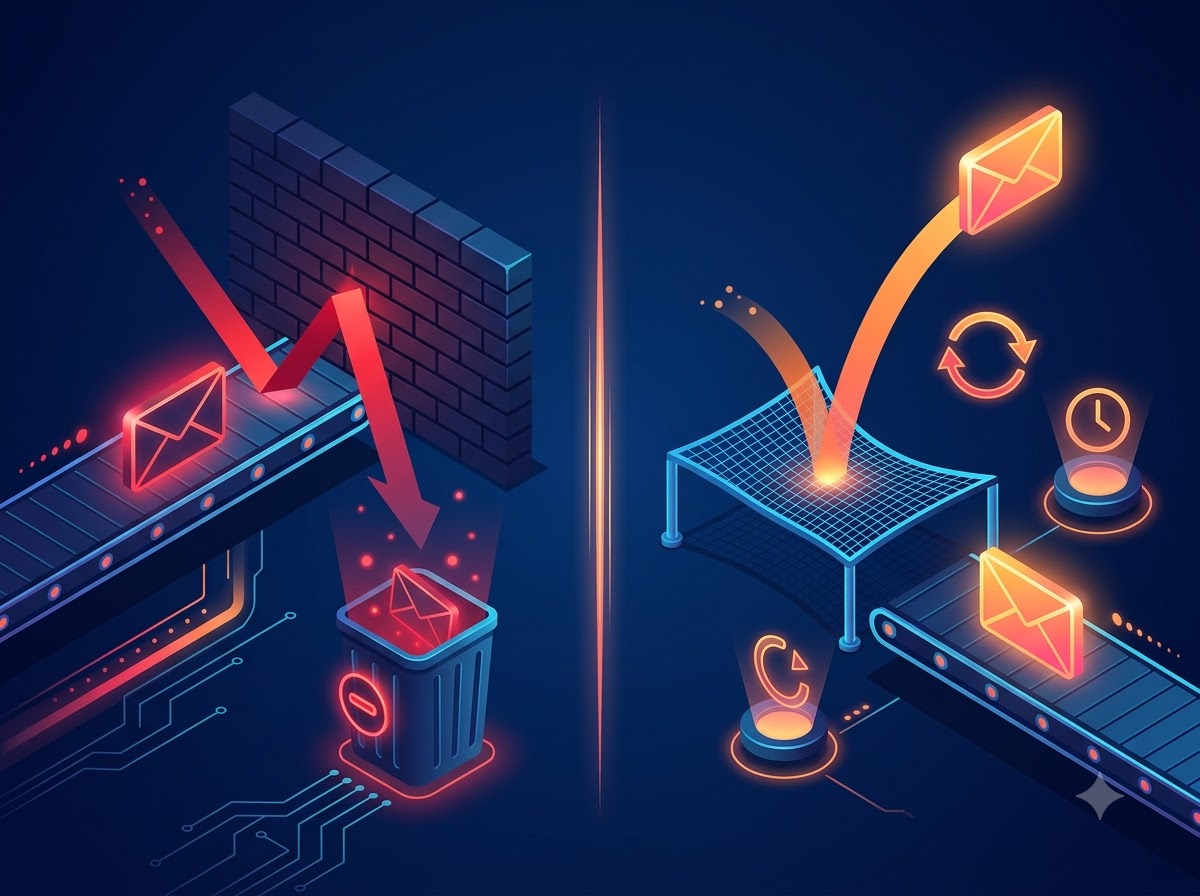
Hard Bounce vs Soft Bounce: What They Mean and How to Handle Each One
If you have found this blog, you must be checking your email report and worried about the bounce rate and thinking, “Where did I go wrong, or what happened?”
We understand this because we have been there. If you send emails regularly, bounces are just a part of the game. But the basic difference between businesses that stay in the inbox and those that land in spam is that they know how to handle bounces the right way.
It’s crucial to know the difference between a hard bounce and a soft bounce because it affects how email providers see you as a sender and whether your email will reach the inbox at all.
Let’s break down hard bounce vs soft bounce email in this guide in plain terms with no confusing tech jargon. Just what it is, why it happens and how to reduce email bounce rates.
What is an Email Bounce?
Before we learn about hard bounces and soft bounces, let’s understand what an email bounce is anyway.
An email bounce is an undelivered message returned to the sender. This means the email you sent was either rejected or never reached the recipient’s inbox. The recipient’s mail server rejects it and sends it back to you with a reason.
However, you should know one important thing: a bounce is not the same as landing in spam. The difference is that a spam filter still delivers it but lands it in the wrong folder. In contrast, a bounced email is never delivered at all. It is a completely different issue and requires different fixes.
How is Email Bounce Rate Measured?
Email bounce rate is simply the percentage of the total emails you sent that did not get delivered. Here’s the formula to calculate this:
Bounce Rate = (Emails that Bounced / Emails You Sent) x 100
Suppose you send 5,000 emails and 100 emails bounce. So, your bounce rate is 2%.
If we talk about a good bounce rate, then major email providers want it to be under 2%. 2% to 5% means your email list has a problem, and you should clean your list. If it’s above 5%, email providers may start thinking you are a spammer. And this isn’t good for any business running a bulk email campaign.
This is where proper email bounce management comes in. It’s not just cleaning your email list, but also protecting your sender reputation.
There are only two types of bounces that you should know about. Each has its own causes and its own fix.
Types of Email Bounce: Hard Bounce vs Soft Bounce
There are two main types of email bounces, and knowing what type of bounce you are dealing with helps you know the urgency to act and what action to take.
What is a Hard Bounce?
A hard bounce is a permanent failure. This means the email will never be delivered. No matter how many times you try to send it, it is completely dead.
For example, you send the email to an address that may not exist, may have been deleted, or may have a domain that is no longer active. Unlike a soft bounce, trying again will not work for a hard bounce, so your email service provider will not keep retrying the delivery.
Hard bounces can also hurt your sender reputation. If you keep sending emails to an address that does not exist, Gmail and other email providers may see this as a sign that your email list is old, poorly maintained, or has unverified addresses. That’s why you should not ignore even a small number of hard bounce emails, especially when they happen regularly.
What Causes a Hard Bounce
This happens because of your list’s fault, not the internet’s fault.
- You have a typo in the email address: This is one of the most common mistakes that people make. They type fast on their mobile phones and misspell their domain name or their own name. Even if it’s a tiny mistake, it will remain in your contact list. Since the email address was never real in the first place, it will always bounce.
- It’s a fake email: Many times, people provide their fake or temporary email addresses to get a freebies or discount offers and never give their real email ID. Later, they delete that account. This looks real at first glance, but there’s no actual inbox behind it. Thus, it causes a hard bounce.
- The person left the job: You are still emailing a work address, but the person has already left the job. When someone leaves, companies delete or deactivate their work inbox. Emails sent to such accounts will bounce permanently.
- The domain itself is gone: Sometimes, it’s not just the person who left, but it’s the entire business. The company might have shut down, rebranded or changed its domain name. In that case, every email going to the old domain address will bounce because the domain’s email does not exist anymore.
When you get a hard bounce, the server is basically saying, “Stop emailing this person”. But if you still keep sending emails, the email providers will think this sender is careless and must be buying an email list. Your reputation drops, and suddenly even your good emails go to spam.
What is a Soft Bounce?
A soft bounce is a temporary delivery failure. This means the recipient’s email address is valid and the server exists. But for some reason, right now your email can’t get into the inbox. The server rejects the email for non-permanent reasons. Therefore, your ESP will try sending a soft-bounced email automatically within a 24- to 72-hour window, before marking the email as undelivered.
What Causes a Soft Bounce?
A soft email bounce can happen for a variety of temporary reasons, as follows:
- The inbox is full: One of the most common reasons an email soft bounces is that the recipient’s inbox is full. When an email inbox is full, it does not accept any new email until some space is cleared.
- The email file is too large: If your email has too many large images or heavy attachments, it becomes too large to be delivered. Email servers have size limits. If your email exceeds the allowed limit, your email may not be delivered and can result in a soft bounce.
- The receiving server is temporarily unavailable: This is not your fault. The other server might be down, overloaded or under maintenance. Your email service provider will try again to deliver the email after some time.
- The receiving server is temporarily blocking your email: Sometimes, the receiving server rejects the first email because it does not recognise the sender yet. This is called greylisting. Your email system will try again, and if the server finds the sender legitimate, it will accept your email on the second attempt.
- Your email content looks like spam: If your email has too many links, images and words that spam filters don’t like, the receiving server may temporarily reject your email instead of delivering it straight to the inbox.
For a soft bounce, the server is saying “Not right now”. It’s not as serious as a hard bounce. But if it keeps happening for the same address, it will become a serious problem.
How to Handle Each Bounce Type
Not all bounces are created equal. Hence, the process to handle both bounce types is not equal either. Here is your step-by-step bounce management strategy that professionals prefer.
How to Handle a Hard Bounce
When it comes to fixing a hard bounce, there’s only one correct move:
Remove that Email Address Immediately
The moment an email hard bounces, don’t think twice, and remove the address immediately from your active marketing list and add it to a suppression list. Popular email tools do it automatically for you. Never go and manually unsuppress them. You may not like to delete them, but one hard bounce can ruin your whole campaign.
But after you remove it, do this to stop it from happening again:
- Find out where it came from: Did it come from an old Excel report or an import? If you know the source, you can fix it.
- Fix your signup process: This is how you can prevent the next hard bounce. Use double opt-in and check email addresses when someone signs up. This not only helps you verify their email address spelling but also confirms that they actually want to receive your emails.
How to Handle a Soft Bounce
Unlike a hard bounce, a soft bounce needs a little more patience. You will not remove it immediately. Instead, you should do the following things:
Let Your Email Tool Try Again
Your email tool will automatically try to resend the email after 2-3 days. You don’t have to do anything. If the recipient’s server was down or the recipient’s inbox was full, the second or third attempt might work. Don’t do anything; just let it be.
Count the Bounces, Not Just the First One
You don’t need to worry about a single soft bounce; it happens for many temporary reasons. But if the same email soft bounces 4-5 times in a row, that address is not going to recover, and you should take action.
A simple way to handle it is:
- Ignore it if it bounced only once and let your email tool try again.
- Keep an eye on the address if it bounces twice.
- Consider removing it from your list if it bounces 4-5 times in a row.
Many email tools let you automatically stop sending emails to an address after it has bounced several times. You will find this option in your email tool’s bounce or delivery settings.
Check Why the Email Bounced
Your email tool will show you a small reason next to each bounced email. It might say “inbox full”, “email too large” or “content rejected”. Let’s see what you should do for each message you get:
- Inbox full: This means the recipient may not be active and they do not clear their inbox, so it’s time to let them go.
- Email too large: This means your emails are too heavy and there is a size-limit issue. You will have to reduce the size of your image or remove the large attachments before sending the email again.
- Content rejected: If you are seeing this message, it means the receiving server did not like something in your email content. Check your subject line and email copy to see if something looks like spam. Avoid using too many words such as free, guaranteed or act now. Write naturally and keep the message useful.
Proven Strategies to Reduce Bounce Rates
Handling bounces if they happen is good, but stopping them from happening is even better. Here are the simple things you can do to reduce bounce rates in the first place:
- Use double opt-in: When someone signs up, send a quick confirmation email. This will ensure there are no typos or fake emails.
- Clean your list every three months: Check your list through an email checker and remove inactive accounts, invalid emails and people who haven’t opened your email in six months.
- Make unsubscribing easy: If people don’t want to hear from you, let them leave easily because they will not open or read your emails, which will somehow affect your sender reputation.
- Don’t send emails to people who don’t open: If someone hasn’t opened your last 10-15 emails, then stop emailing them. Just send them one last email: “We miss you”. If they don’t reply, let them go.
Conclusion
Bounces are a normal part of sending emails, but ignoring them can create bigger problems. The key thing is to understand what causes bounces and what you should do about it.
The best part of bounces is that they are manageable. It is not about having a perfect list but a well-maintained list. For a hard bounce, remove the address immediately. For a soft bounce, give your email time to try again and keep an eye on whether the same address keeps bouncing.
Don’t wait for bounces to become a bigger problem. Clean your list regularly, check new email addresses before adding them and regularly review your bounce reports. These small changes will help you protect your sender reputation and give your emails a better chance of reaching the inbox.
Ready to send campaigns that convert?
Try ASP OL Media free for 14 days — no credit card required.