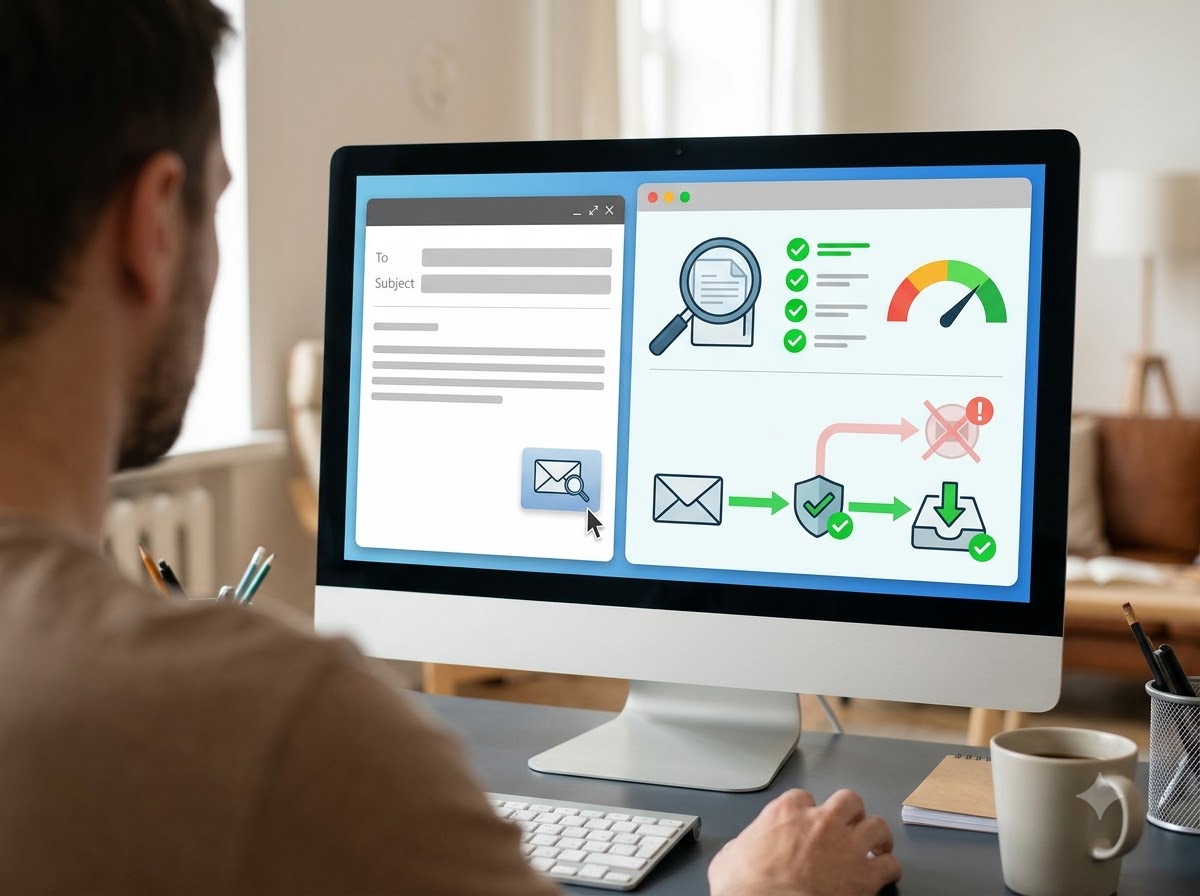
How to Test Email Deliverability Before Sending Emails
You spent hours creating your email. The subject line is catchy. The email copy is compelling, and the offer is irresistible. You hit send, feeling confident about the responses you will get from your audience, but nothing happens. No opens, no clicks. It’s not that your audience didn’t like your email. They never saw it.
Sending an email campaign and hoping it reaches the inbox is not a great strategy. No matter how well you design the email, add the offer and check the links, your email still has to pass several checks after you hit send.
Due to this, sometimes your emails reach the inbox, sometimes they go to spam and sometimes they may not reach the recipients at all.
That’s why testing your email before sending it to your entire contact list is worth the extra few minutes. Spam filter testing lets you know where your email will land before you send it to your list. It’s the difference between a marketer who guesses and a marketer who gets delivered.
In this blog, you will learn exactly how to run an email spam check, do inbox placement testing and avoid spam filters for good.
What Happens After You Hit Send?
Before you learn about tools or why email testing matters, it helps to understand what happens to an email after you click “Send”.
Suppose you send an email to 200,000 subscribers. Your email service sends those emails to those recipients. Now, the recipient’s email providers like Google, Yahoo and Outlook decide what to do with it.
The receiving server will look at a few important things such as:
- Who sent the email?
- Is the sender properly authenticated?
- How’s the sender’s previous reputation?
- Do recipients engage with this email?
- Has anyone marked previous emails from this sender as spam?
- The content of the current email.
- The domain name and links used in the message.
- Does the sending activity look unusual?
- Is the recipient’s address valid?
Based on these factors, the provider may deliver the email to the inbox, spam folder, reject it, or accept it and filter it later. That is why simply checking whether your email marketing platform successfully sent an email isn’t enough. Sent doesn’t always mean delivered to the inbox.
What Is Spam Filter Testing Email? And Why You Need It
Spam filter testing is the process of testing an email before you send it to your audience to see if it has the characteristics that could cause spam filters to flag it.
This can involve more than simply checking for trigger words because modern spam filtering isn’t based on a simple list of bad words.
For example, there is no magic list where using one particular word automatically sends your email to spam.
A genuine business email may use words like free, offer, discount and limited time, and still reach the inbox. At the same time, an email without any obvious spam words may be filtered.
That is because inbox providers consider many signals together. Therefore, a proper spam test is required, which looks at the email more broadly.
You get a predictive report that tells you:
- What percentage of your email will reach the Inbox, Spam and Promotions.
- Which specific spam filters your emails are triggering.
- Whether your authentication is passing.
- Whether you are on any major blacklists.
- What in your content or HTML is causing problems.
Two Levels of Testing You Should Know About
You should know the two levels of testing:
1. Email Spam Check
This is the basic level of email testing. It scans your email’s content, headers, links, subject line and authentication to give you a spam report. Your tool will give you a spam score out of 10. If you score below 8, you have work to do. It is good for quick checks. But it has limitations, as it is predictive, not actual.
2. Inbox Placement Testing
Inbox placement testing tests where your test emails end up when sent to different providers. It uses a list of real email addresses, called a seed list. These email addresses are spread across different email providers such as Gmail, Yahoo and Outlook.
You send a test email to the seed list and the tool checks whether it reached the inbox, the spam folder or was not delivered at all.
For example, your test result may show that your email delivered to the inbox in Gmail but went to the spam folder in Yahoo or got 100% blocked in Outlook. This tells you about potential delivery problems before sending the campaign to your actual subscribers.
A Step-by-Step Framework to Check If Your Email Will Reach the Inbox
Don’t just use a tool and hope for the best. Instead, follow this step-by-step framework every time before a major campaign:
Authenticate Everything First
No matter how well you have created your email copy, nothing can save you from broken authentication. So before you begin anything or write your email, check your technical foundation.
For this, you need to check three records of your DNS:
- SPF: It is the Sender Policy Framework (SPF) that tells the world which IPs are allowed to send emails on behalf of your domain.
- DKIM: It is DomainKeys Identified Mail (DKIM), a digital signature that proves that your emails aren’t altered in transit.
- DMARC: This is Domain-based Message Authentication, Reporting and Conformance (DMARC). It tells inbox providers what to do if your SPF and DKIM fail and gives you reporting based on this.
How to Check It
Send a test version of your email to the testing address provided by an email testing tool. The tool will analyse the email headers and show whether your sender authentication is working correctly. Check the results for SPF, DKIM and DMARC. If any check fails, investigate the cause and fix any configuration problems before sending your campaign. Proper authentication can improve deliverability with receiving email providers and avoid spam filters.
Run a Seed List Test for True Inbox Placement Testing
Before sending your campaign to your actual subscribers, send the exact same email to a list of test email addresses provided by an inbox testing tool. This tool checks whether the email reached the inbox, spam or any other folder.
For example, if 10-12% of your email lands in the spam folder, you can investigate the problem before sending the campaign to your full mailing list.
The tool will show you where exactly those emails appear. And if you see a problem with just one provider, like Outlook, that sends your email straight to spam, then you have a reputation issue, and the best part is that it is fixable.
Make sure to test using the same sending domain and IP you will use for the real campaign; sending from a different tool will give you inaccurate results.
Do a Deep Email Spam Check on Content
When you know where your emails are reaching, it’s time to know why. If your emails are not reaching the inbox, find out why it’s happening in the first place. This is what’s going to help you fix the problem.
Run your email through a content analyser because these tools check for:
- Spam trigger words: Some words, like “Guaranteed”, “Free”, “Risk-free”, “Double your income”, etc., can make your email copy sound like spam. One or two words may not hurt, but a pattern will. The tool will look for such words in the subject line and email body. It won’t flag for just one word; rather, it checks the density. If it finds many spam trigger words in one paragraph, it will flag you.
- Link health: The tool checks the links in your email to identify potential problems, such as links to domains with a poor reputation or URLs that may look suspicious.
- Image-to-text ratio: You use images in your email copy, so the tool actually weighs your email. It examines how much of your email consists of images compared to email text. This ensures your email contains important information as actual text rather than putting everything inside the image.
- Broken HTML and code error: HTML is the code used to structure your email text, images, layout and links. But when you copy content from a design tool, you carry invisible code. A testing tool inspects this code for problems, such as broken HTML, incorrectly formatted elements or hidden text.
- Subject line analysis: The tool checks whether your subject line uses patterns that could mislead recipients. Excessive capital letters or emojis may also be flagged by tools. Your subject line should accurately represent the email. These checks identify potential concerns, but emojis or capital letters do not automatically send an email to spam.
Check Your Blacklists
Even if your email is perfect, a problem with your IP address and domain reputation can affect delivery. Several organisations maintain blacklists that identify IP addresses or domains associated with spam. Some receiving email providers keep these lists, and they use them to decide whether to accept an email from a particular sender or filter incoming emails.
Some spam filter testing email tools automatically check major blacklists for you. If you are listed, you will have to follow the blacklist delisting process.
Preview and Test Your Engagement
Gmail’s Promotions tab is not the spam folder, but it isn’t the primary inbox either. However, if your email reaches the Promotions tab, it is still delivered.
During your inbox placement testing, check for:
- Does your email land in the primary inbox, Promotions tab or the spam folder?
- Does the subject line and preview text accurately describe the email?
- Does the email display correctly in dark mode and on mobile devices?
- Do your emails have appropriate alt text so that if the image cannot load, readers can still get the message?
You can improve the reading experience by writing a good subject line, relevant content and adding personalised text when required. These things increase the chances of reaching your email in the inbox from the Promotions tab.
Test Your List Hygiene
Your email list is as important as the email itself. Hence, you should keep your email list clean. It not only helps you avoid spam filters but also improves your open rates and ROI. So, before you send an email, you should clean your list by removing:
- Invalid/typo addresses
- Role-based addresses
- Known spam traps and complainers
- Inactive users or those who stopped opening your email
- Disposable email
Sending 5,000 emails to engaged users is far better than sending 50,000 emails to unengaged users. Maintaining your email list is an important part of staying compliant.
See Your Email As Your Subscribers Do
A tool can definitely help you analyse the problems, but nothing beats seeing it with your own eyes.
Before you send the campaign to your entire list, send a test email to your own email address and 2-3 of your colleagues or friends.
Then check where the email landed: in the inbox, spam or Promotions tab? Does it look good on your phone? Are the buttons clickable?
This quick human check catches rendering and delivery issues that sometimes even a good spam filter testing email tool can miss.
Conclusion
When it comes to whether your emails reach the inbox, guessing or relying on open rates doesn’t work. The rule is simple: you will have to test the emails before you hit send. This is exactly the difference between the marketers who struggle with deliverability and those who continuously reach the primary inbox. They test the email before they send.
An email spam check tells you if your technical setup is broken. A spam filter testing email tool tells you if your emails look like spam. And full inbox placement testing tells you exactly where you land before your real audience ever sees it. This test should be an important part of every campaign because it helps you fix issues before you hit send.
Ready to send campaigns that convert?
Try ASP OL Media free for 14 days — no credit card required.