Choose the Right IP Strategy to Improve Email Deliverability and Sender Reputation
Bulk email marketing is one of the most effective communication channels for engaging a large audience. However, the success of email marketing lies in inbox delivery. If you fail at this stage, you will not reach your target audience.
Your email deliverability depends on whether you use a shared IP or a dedicated IP (Internet Protocol Address). Understanding the differences between shared and dedicated IPs and their pros and cons helps you choose the right IP address for your email campaign.
In this guide, we will explore everything about shared and dedicated IP addresses, their advantages and disadvantages and how they influence your marketing efforts. Knowing the difference is crucial to making the right choice for your business.
What Is an IP Address?
Just as you need a physical address to reach a place in the world, you need an address to locate a specific device on a network. That is known as an IP address (Internet Protocol Address). It is a unique numerical label assigned to each device connected to a computer network. This helps computers, phones, servers and websites find and communicate with each other.
In simple language, just as you need a street address to deliver a parcel, the internet requires an IP address to share data with the correct device.
Role of IP Address in Email Marketing
An IP address is associated with the sender in email marketing. It is imperative for establishing a strong sender reputation. Your IP address acts as an indicator that major email providers like Gmail, Yahoo and Outlook use to decide:
- Is the IP sender trustworthy?
- Does the IP send spam?
- Should the email from this IP go to the inbox or the spam folder?
For instance, a company sends 100,000 emails. The IP address helps the email provider learn over time that this company only sends wanted emails and earns a good sender reputation.
But if the same company starts sending spam, its reputation drops and future emails may start going to the spam folder. This is why an IP address plays an important role in bulk email marketing. A good IP reputation can help prevent emails from being marked as spam and improve inbox delivery rates.
IP addresses can be categorised in several ways, such as IPv4 vs IPv6 or public vs private IPs. However, in email marketing, the most important distinction is between dedicated IPs and shared IPs, as they directly affect sender reputation and email deliverability.
Here’s everything you need to know about shared and dedicated IPs and their pros and cons to understand which one is the right choice for your business.
What Is Shared IP?
Shared IP means a single public IP address is simultaneously used by multiple businesses to send bulk emails to prospects and customers. So, instead of each company having its own IP address, several companies use the same IP address.
Shared IP makes email marketing more accessible, affordable and easier to manage, especially for businesses that do not send emails in large volumes.
How Shared IP Works
Shared IP allows multiple businesses to connect to the internet using one internet identifier. Companies use shared IP in various situations, such as ISPs, VPNs, web hosting and email marketing.
Many businesses use the same IP address for email marketing. This means your campaign will go from the same IP address as other clients. For example, three companies, A, B and C, can use a shared IP address for sending:
- Newsletters
- Promotional emails
- Transactional emails
So, this allows multiple users or senders to send emails to a large audience. But the users collectively influence the sender’s reputation and email deliverability.
What Is a Dedicated IP?
As the name suggests, a dedicated IP is a unique Internet address that is exclusively used by your organisation. It is yours, and no other company can use it.
Understand this like using a phone number. It is like you have your personal number, and no one else can use it. Unlike a shared IP, you get your own line of communication with direct access and no interference. This even helps you build and maintain a good sender reputation.
How Dedicated IP Works
A dedicated IP address is used only by your company, which means you don’t share it with other businesses and have full control over it. Here’s how this works:
- Business gets its own IP address: The email service provider assigns a dedicated IP address to one company, and no other company can use it.
- It is used to send bulk emails: The business uses it to send bulk promotional emails, newsletters or transactional emails.
- Mailbox providers track the IP’s activity: Yahoo, Gmail and Outlook monitor the IP sending behaviour. They assess the IP’s reputation based on factors like spam complaints, bounce rates, sending consistency, authentication records and recipient engagement signals.
- Business builds its reputation: Since no one else uses the IP, every email sent contributes directly to the IP’s reputation.
- Email deliverability improves over time: Because the IP develops a good reputation, the emails are more likely to reach recipients’ inboxes directly.
Key Differences Between Shared and Dedicated IP
Although both dedicated and shared IPs are used for sending bulk emails, they work differently. Let’s see the key differences to understand which one will be the best choice for your bulk email campaign.
Multiple businesses use a shared IP. Hence, the collective behaviour of all senders influences its reputation. However, shared IP is usually more affordable and is a good option for businesses that send fewer emails.
A dedicated IP, on the other hand, is used by only one business. This gives the sender complete control over the IP’s reputation and email-sending practices. Dedicated IPs are generally recommended for businesses that regularly send bulk emails.
Another important difference is that dedicated IPs require an IP warm-up process to build trust with mailbox providers. In contrast, shared IPs already have an established sending history and can be used immediately.
In simple terms, shared IPs are affordable and offer convenience, whereas dedicated IPs provide greater control and consistency. The right choice depends on how many emails your business sends, your budget and how much control you want over your email deliverability.
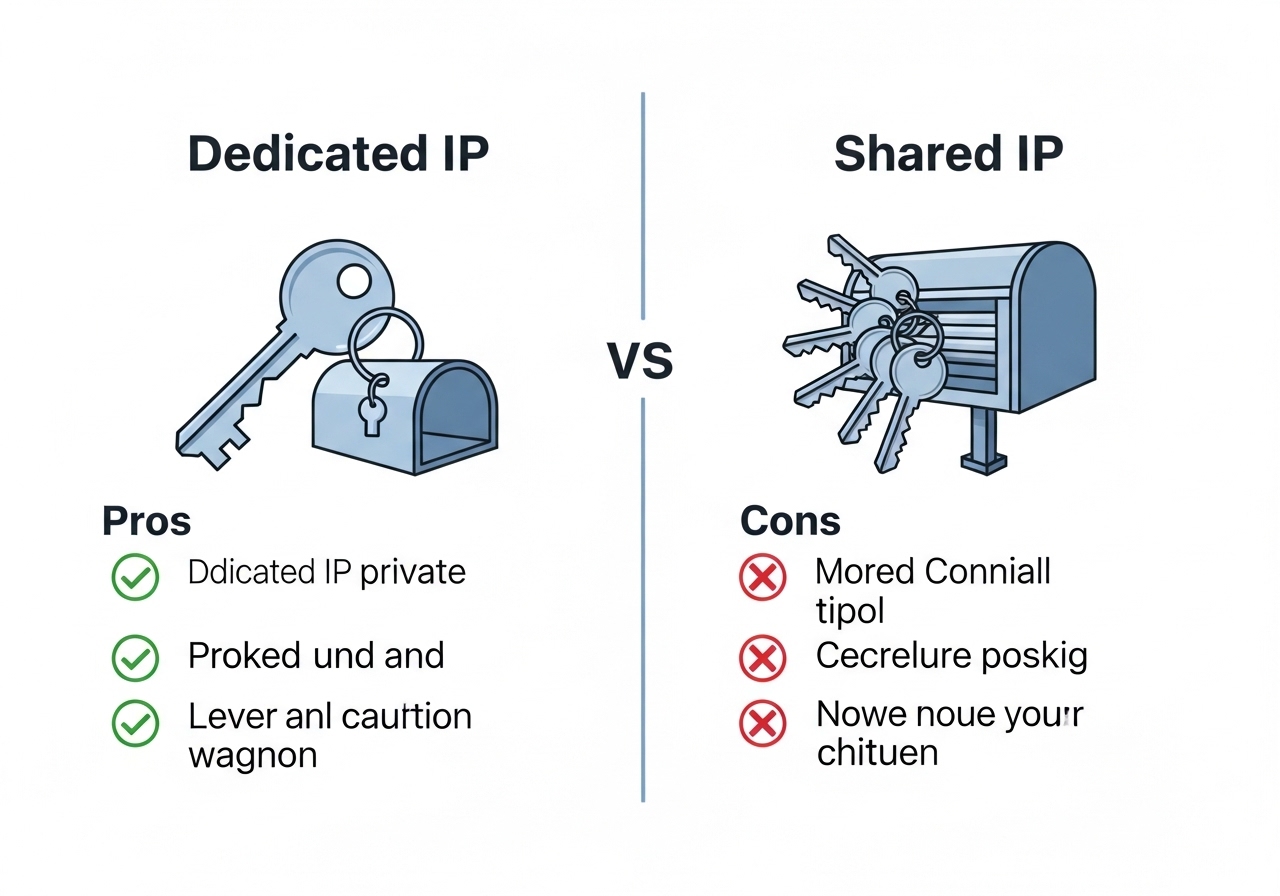
Pros and Cons of Shared and Dedicated IP
Since the type of IP address you use can affect email deliverability, it is important to choose the right IP address. However, there are positives and negatives to choosing between these two. To understand which one is the best for your business, here are the pros and cons of shared and dedicated IPs.
Advantages of a Shared IP Address
- Lower Cost: A shared IP is affordable because many businesses share the same IP address. Hence, the cost of the server is divided among several users, making the shared IP more cost-effective than a dedicated IP.
- Easier Setup: Since many businesses are already using the IP, businesses can quickly start their campaign without needing technical configuration or reputation-building efforts.
- No IP Warm-up Required: A shared IP does not require the same warm-up process because it already has an established sending history.
- Suitable for Small Businesses: Most small and medium-sized enterprises opt for a shared IP for email marketing because it is budget-friendly and best for sending relatively low-volume emails.
Disadvantages of a Shared IP Address
- Potential Reputation Damage: A shared IP can benefit new businesses that have not built an email-sending reputation. However, it can be a disadvantage for businesses that have an established reputation. This is because the shared IP is connected with other users. Poor practices by other users can harm your email deliverability and campaign performance.
- Less Control: If any problems arise on the server due to other senders’ poor practices, you have little control over the situation.
- Limited Brand Identity: It is quite hard to establish a brand identity with a shared IP because several businesses already use it and your brand gets blended with others. Hence, establishing the brand identity becomes a challenge at the domain level, regardless of how good and effective your email marketing content is.
Advantages of a Dedicated IP Address
- Complete Control: A dedicated IP address means a single company is solely using the IP address. This means the sender has full control over the IP reputation. Email deliverability also depends on the company’s own email-sending practices and is not influenced by other senders’ poor practices.
- Easier Troubleshooting: Unlike a shared IP address, troubleshooting is easier with a dedicated IP address. When a deliverability issue occurs, identifying and fixing the issue is quite easy because only one sender is associated with the IP. So, it is easier to analyse performance metrics and take corrective measures to improve campaign performance.
- Higher Inbox Placement Rates: A dedicated IP address can help you maintain a good sender reputation when you follow best email-marketing practices. Hence, it increases inbox placement rates. This means your emails will be delivered to the recipient’s inbox and not to the spam folder.
Disadvantages of a Dedicated IP Address
- Higher Cost: It is more expensive than a shared IP address because the IP and associated resources are exclusively reserved for one business. Unlike a shared IP, the cost is not split among multiple senders. Hence, it is costly.
- Requires IP Warm-up: It is not for instant use. Your business is using a dedicated IP, which means it has started without a sending history and reputation. So, the warm-up process may take a few days or weeks before you begin the bulk email campaign. You can gradually increase the email volume over time.
- Requires Active Monitoring: Since you are the only user of the IP address, managing its reputation is your responsibility. You need to monitor its activity and performance regularly and take corrective measures when required.
When Should You Choose a Shared IP
A shared IP address is a popular choice for many businesses. However, it is not the best choice for every business. Before choosing a shared IP, consider the following criteria:
- A New Marketer: If you are a new marketer who has started an email marketing campaign, you can opt for a shared IP address to begin with. Often, small and medium-sized organisations prefer this as they want to skip the multi-week IP warming process.
- Limited Budget: Since the cost is distributed among several senders, a shared IP is far more affordable than a dedicated IP. If you have a low budget to start with, you should choose a shared IP.
- Irregular or Seasonal Sending: If you send campaigns in bursts or seasonally rather than regularly, a shared IP is best for your business.
- Low-Volume Email: If you don’t send high-volume emails, you should use a shared IP because it does not require steady and high-volume emails to build a reliable sender reputation.
- Low Maintenance: A shared IP requires less maintenance than a dedicated IP because the reputation has already been established, no IP warm-up is required, and the reputation is collectively managed by all users. If you want your ESP to manage everything, a shared IP is the right choice.
When Should You Choose a Dedicated IP
A dedicated IP provides complete control over the sender reputation and sending practices. You need a dedicated IP if your business meets the following criteria:
- High Sending Volume: A dedicated IP address is more effective when used for sending bulk emails. Businesses that regularly send high-volume emails are better suited to a dedicated IP address.
- Strict Reputation Control: If email marketing is an important part of your business, then you should not rely on a shared IP because the poor practices of other senders can cause spam complaints. A dedicated IP allows you to build and manage your reputation without being affected by the actions of other senders.
- Business-Critical Transactions: Businesses that rely on transactional emails, such as password resets, OTP, order confirmations, payment receipts and account verification, should use a dedicated IP address. Consistent email deliverability and control over sender reputation are important for a better customer experience and smoother business operations.
Best Practices for Both Shared and Dedicated IP Users
Regardless of what IP address you choose for your business, following email marketing best practices is essential for every business:
- Maintain a Clean Email List: It is important to have a clean, high-quality email list to increase open rates and sales. So, regularly remove invalid user IDs, subscribers who have unsubscribed from your newsletter and inactive users. It is crucial because sending emails to inactive users who no longer engage with your emails increases the bounce rate, which hurts the sender’s reputation.
- Monitor Campaign Performance: Monitor important metrics such as open rates, bounce rates, click-through rates and spam complaints. This helps identify any issues and improve the effectiveness of the campaign.
- Authenticate Your Emails: Authentication protocols such as SPF, DKIM and DMARC help verify that your emails are legitimate. This helps build trust with mailbox providers like Gmail and Yahoo.
- Send Valuable and Relevant Content: People are more likely to open an email they find relevant to their needs. You will have to customise the subject line and content to make it relevant to your audience's needs. For this, segment your audience based on location, interests, behaviour and purchase history.
Conclusion
Both shared IPs and dedicated IPs are effective for email marketing for businesses across industries like e-commerce, real estate and IT and SaaS when used correctly.
A shared IP address is effective for small businesses with limited budgets and lower email volumes that are looking for an easy-to-manage and ready-to-use IP address.
On the other hand, a dedicated IP is best for large enterprises with a higher email marketing budget that send large volumes of emails regularly.
The type of IP address your business needs depends on your business goal, email volume, budget and email deliverability requirements.
Ready to send campaigns that convert?
Try ASP OL Media free for 14 days — no credit card required.